Ultimate Guide to Navigation in ReactJs

In general, navigation is the process or activity of accurately ascertaining one's position and planning and following a route. In software terms, navigation means moving from page to page on the Web.
Navigation in ReactJs
In React, navigation is a process of moving between different components within a web application based on user action. Routing refers to the process of assigning or mapping URLs to react components. So users can navigate various parts of an app by clicking on links or typing URLs.
Need of Navigation and Routing in React
React is a popular JavaScript framework for creating Single Page Application(SPA). Even though it is the best framework for building websites, it does not have routing and other advanced features by default. Therefore we have to use a library called React Router.
What is a React Router?
React Router is a famous library used for routing in different components in React applications. For web applications, we use the react-router or react-router-dom package and for mobile apps or react native apps, we use the react-router-native package. In this tutorial, we are using react-routelr-dom.
What is React Router DOM?
React Router DOM is a subset of React Router. It is a famous react-navigation library. It is used to implement dynamic routing in web-based applications. Using this library users can create complex routing configurations. BrowserRouter and createBrowserRouter are part of react-router dom.
There are different ways of implementing routing in React applications. BrowserRouter is a traditional way used in React Router v6 or older versions. createBrowserRouter is a newer API introduced in React Router v6.4. This function creates a router object that manages the history stack and routing logic. In this blog we use createBrowserRouter.
Setting up React Router in our application.
1. First create a react app in the terminal or VSCode using the command 'npm create vite@latest'
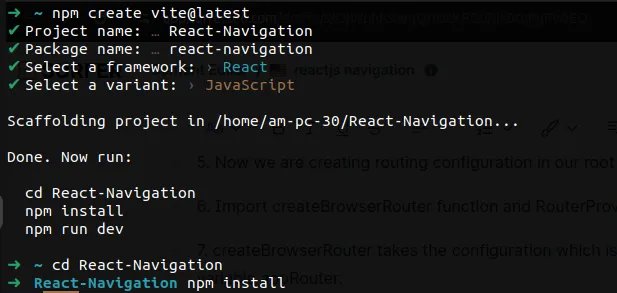
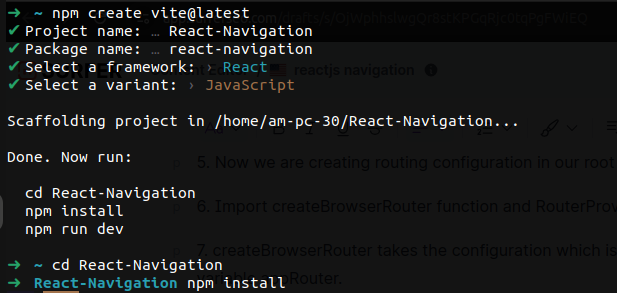
2. Install react router dom using the command 'npm install react-router-dom'
3. After installing react router dom create a component folder inside the src folder.
4. In the component folder create Home, About, and Contact components.
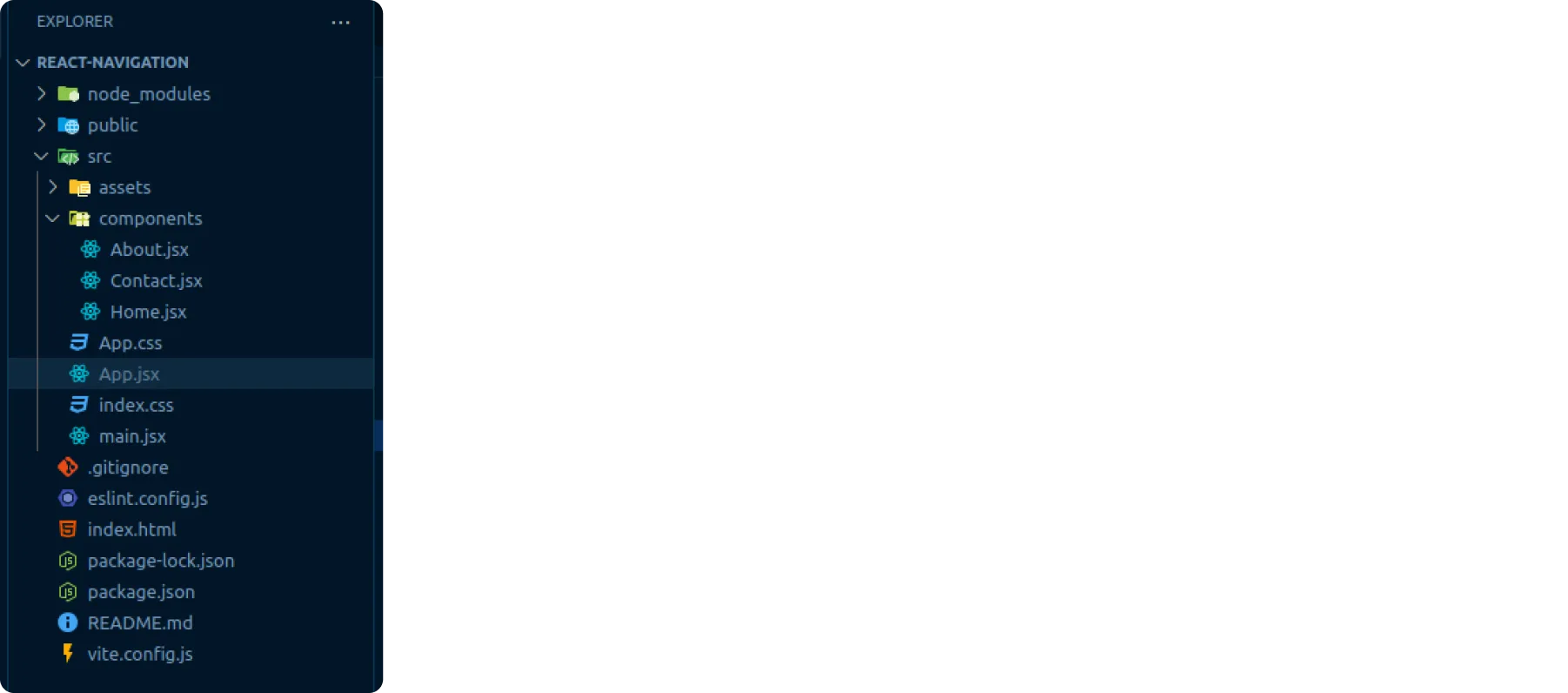
5. Now we are creating routing configuration in our root-level component App.
6. Import the createBrowserRouter function and RouterProvider component from 'react-router-dom'.
7. createBrowserRouter takes the route configuration which is a list of objects and we store configuration in a variable appRouter.
8. Each object contains path and element property which defines different paths and what should happen on that path.
9. After that we render the RouterProvider component at the App function, passing the appRouter as value and router as prop name.
example of basic react-navigation -
App.jsx
import React from 'react'
import { createBrowserRouter, RouterProvider } from "react-router-dom"
import Home from "./components/Home"
import About from "./components/About"
import Contact from "./components/Contact"

const appRouter = createBrowserRouter([
  {
    path:'/',
    element:<Home/>,
  },
  {
    path:'/about',
    element:<About/>,
  },
  {
    path:'/contact',
    element:<Contact/>,
  }
])

const App = ()=>{
  return (
    <RouterProvider router={appRouter}></RouterProvider>
  )
}
export default App
Navigate between pages in the React application
In React JS to navigate between pages we can use the Link component and the useNavigate() hook.
Using Link-
Using the Link component, we create clickable links to navigate to different components in the application. The link has to contain a specific URL. The link component internally uses an anchor tag with the href attribute and renders it on the DOM to set a specific route.
Home.jsx
import { Link } from "react-router-dom"

const Home = () => {
  return (
    <>
    <div>Home Page</div>
    <Link to='/about'>Go To About Page</Link>
    </>
  )
}
export default Home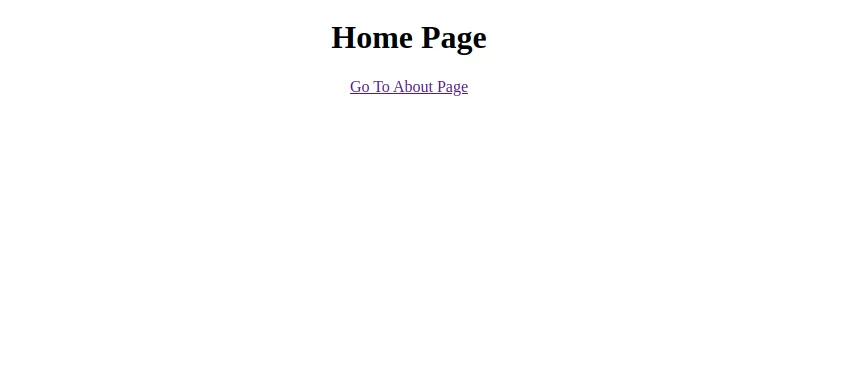
Using the navigate hook -
useNavigate() hook is used to apply the programmatic react-navigation approach. Using this, the user can conditionally display components like login. This hook returns a function, in that function, we provide the URL for a specific route for react js navigation.
Contact.jsx
import React from 'react'
import { useNavigate } from "react-router-dom"

const Contact = () => {
  const navigate = useNavigate()
  const handleClick = ()=>{
    navigate('/')
  }
  return (
    <div>
      <h1>Contact Page</h1>
      <button onClick={handleClick}>Home</button>
    </div>
  )
}

export default Contact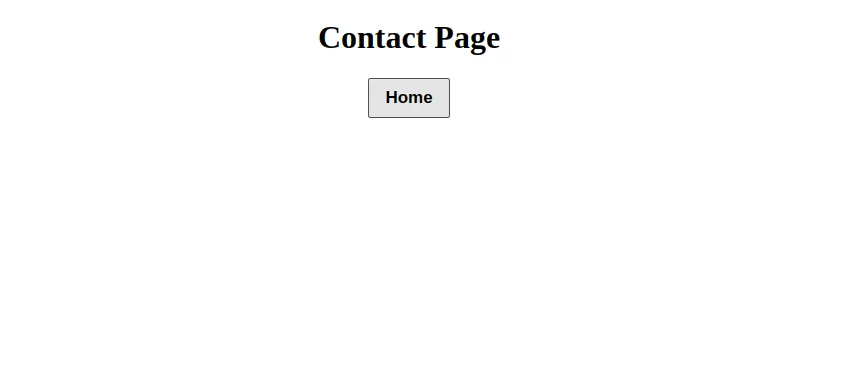
Nested Routes
Nested routing enables users to render different components on the same page with route parity. We can create nested routes using children's property and Outlet components.
App.jsx
import React from 'react'
import { createBrowserRouter, Outlet, RouterProvider } from "react-router-dom"
import Home from "./component/Home"
import User from "./component/User"
import Profile from "./component/Profile"
import Account from "./component/Account"

const appRouter = createBrowserRouter([
  {
    path:'/',
    element:<Home/>
  },
  {
    path:'/user',
    element:<User/><Outlet/></>,
    children:[
      {
        path:'profile',
        element:<Profile/>
      },
      {
        path:'account',
        element:<Account/>
      }
    ]
  }
])

const App=(){
  return (
    <RouterProvider router={appRouter}></RouterProvider>
  )
}
export default App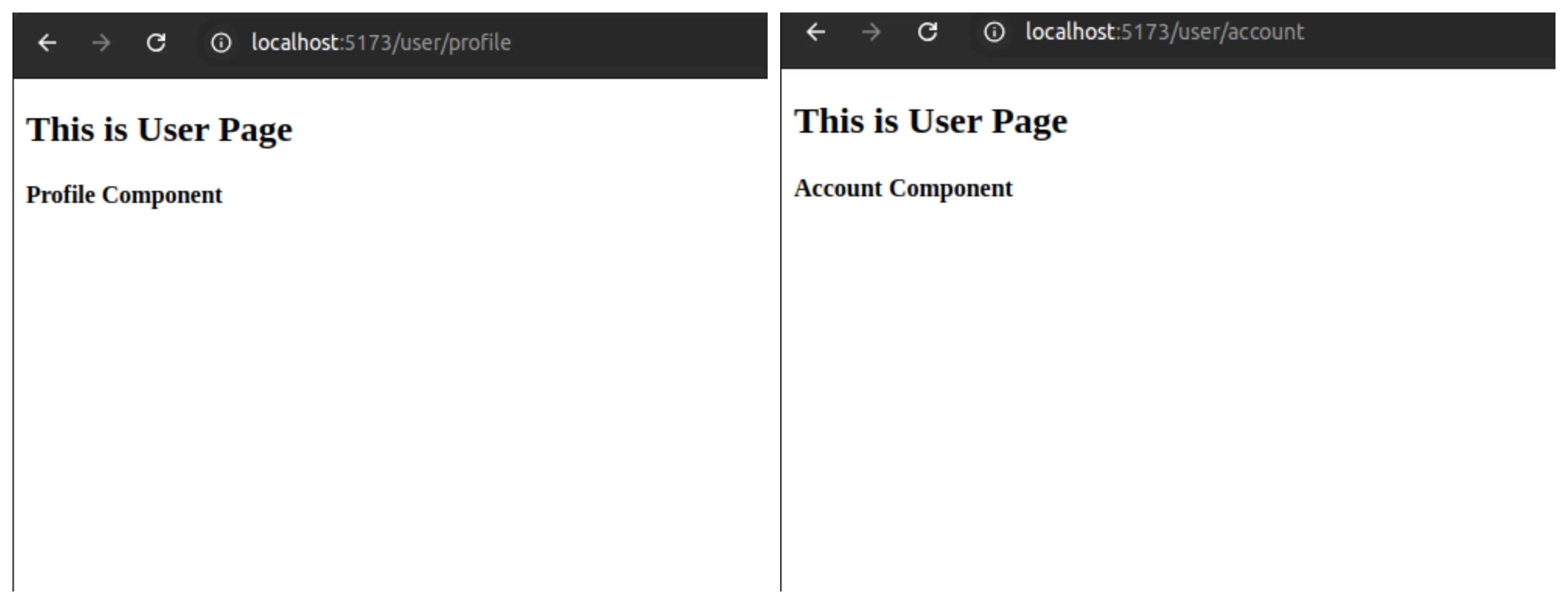
Protected Routes
Protected routes are those routes that only gives access permission to authorized users. For example, to access your social media account you need to do login using a username and password.
import { createBrowserRouter, RouterProvider, Navigate } from "react-router-dom"
import Dashboard from "./component/Dashboard"
import checkUserAuthorization from "./customHooks/checkUserAuthorization"

const appRouter = createBrowserRouter([
  {
    path:'/dashboard',
    element:(
	   <ProtectedRoute>
	       <Dashboard/>
	   </ProtectedRoute>
     )
  },
  // other routes
])

function ProtectedRoute({children}){
	const isAuthorizedUser = checkUserAuthorization()
	return isAuthorizedUser ? children : <Navigate to='/login'/>
  }

function App() {
  return (
    <RouterProvider router={appRouter}></RouterProvider>
  )
}
export default App
Do you wish for smooth, seamless routing in your React app? We've got you covered! Angular Minds, a leading React development company, delivers dynamic routing solutions for a flawless user experience.
Route Parameters
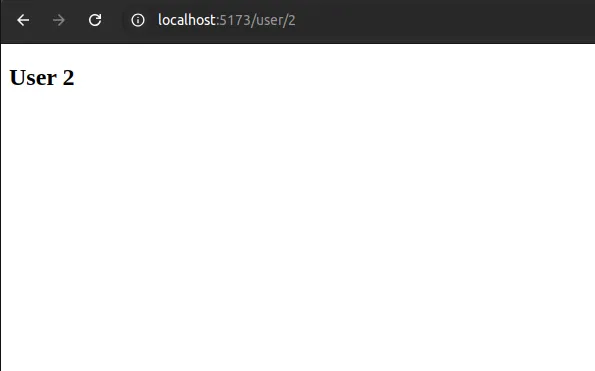
Route parameters are dynamic parts of browser URLs that can be changeable. By passing parameters, we are making routes dynamic, allowing us to reuse the same component for different data based on the parameter value. To access url parameter we use the useParams() hook.
App.jsx
import React from 'react'
import { createBrowserRouter, RouterProvider } from "react-router-dom"
import User from "./component/User"
const appRouter = createBrowserRouter([
  {
    path:'/user/:id',
    element:<User/>
  },
])

export default function App() {
  return (
    <RouterProvider router={appRouter}></RouterProvider>
  )
}
Product.jsx
import { useParams } from 'react-router-dom'

export default function User(){
    const {id} = useParams()
  return (
    <h2>User {id}</h2>
  )
}
Handling not found page(404 error)
When a user enters an unmatched route URL then react router dom by default provides an error page for that unmatched route. If we want to add a custom error page then react router dom gives us an errorElement property. error element property is written inside the individual route path and we assign an error component to it. React router dom also provides a useRouteError() hook that gives more info about the error.
App.jsx
import { createBrowserRouter, RouterProvider } from "react-router-dom"
import Error from "./components/Error"
import Home from "./components/About"
const appRouter = createBrowserRouter([
  {
    path:'/',
    element:<Home/>,
    errorElement:<Error/>
  },

])

const App= ()=>{
  return (
    <RouterProvider router={appRouter}></RouterProvider>
  )
}

export default App
Error.jsx
import { useRouteError } from "react-router-dom"

const Error = ()=>{
    const ab = useRouteError()
    console.log(ab)
    return (
        <div>
            <h2>Something went wrong</h2>
            <h3>{ab?.status} {ab?.statusText}</h3>
        </div>
    )
}

export default Error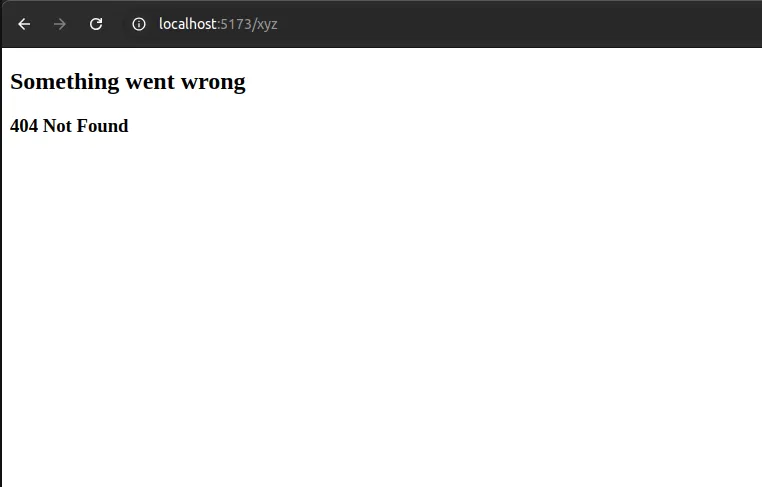
Conclusion
To create reactjs single page applications navigation and routing play an essential role. React router dom library provides powerful features or tools that are used to build navigation in react projects, navigate between the pages, create nested and protected routes, use route parameters, handle not found errors, and many more. By step by step following this guide, you can learn best practices about how to implement navigation and routing in React applications and you can build more complex React projects and seamless user experience.

Related articles